How we choose
Some of our team’s 18 apps in the stores are built with Flutter, others natively. The choice depended not on taste but on what the app does.
When Flutter is the right choice
- The app is mostly screens, lists, forms and server calls.
- iOS and Android must ship at the same time with the same features.
- Budget and timeline are limited and the MVP needs quick validation.
- Several related apps are built on shared code.
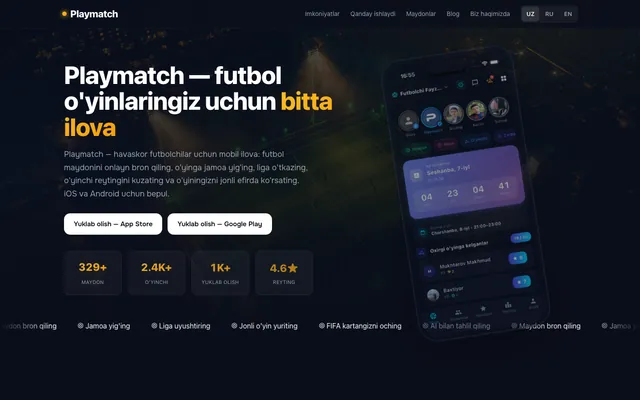
For example, the three apps of the Playmatch ecosystem — for players, stadium owners and sellers — are built with Flutter in one monorepo with shared models, API client and UI components. The Bisyor, Zamin and One.uz apps are also Flutter.
When you need native
- Deep on-device analysis of photos, contacts or the calendar.
- Background processes, widgets, Live Activities, Android Auto or CarPlay.
- A privacy requirement that data never leaves the device.
- Animations or system integrations where every millisecond counts.
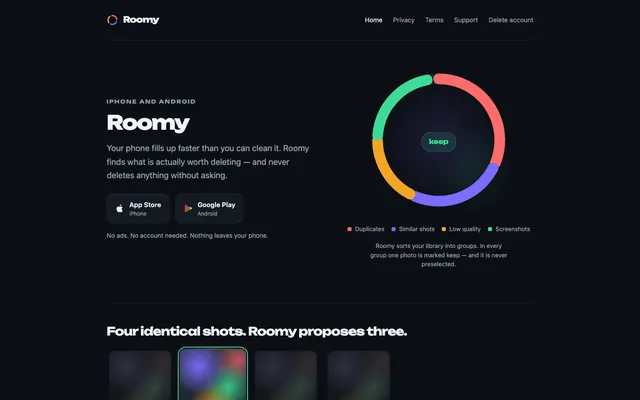
Roomy (a phone storage cleaner) is written in SwiftUI on iOS and in Kotlin with Jetpack Compose on Android: it analyzes thousands of photos on the device and sends nothing to a server. The Bip apps are native too, to work with widgets and the car screen.
Cost and timeline
Native development means two codebases for two platforms, so the same features take more work. With Flutter the core is written once and platform-specific parts are added through native plugins.
Maintenance
Either way, iOS and Android introduce new requirements every year: a new API level, privacy forms, permissions. An app needs regular updates after launch — include this in the budget from the start.
Frequently asked questions
Is a Flutter app slower than a native one?
In typical business apps users won’t notice a difference. It shows up with heavy graphics, large amounts of media and deep system integration.
Can I move from Flutter to native later?
Yes, but it is almost a rewrite. That’s why it is better to choose with the app’s future in mind from the start.